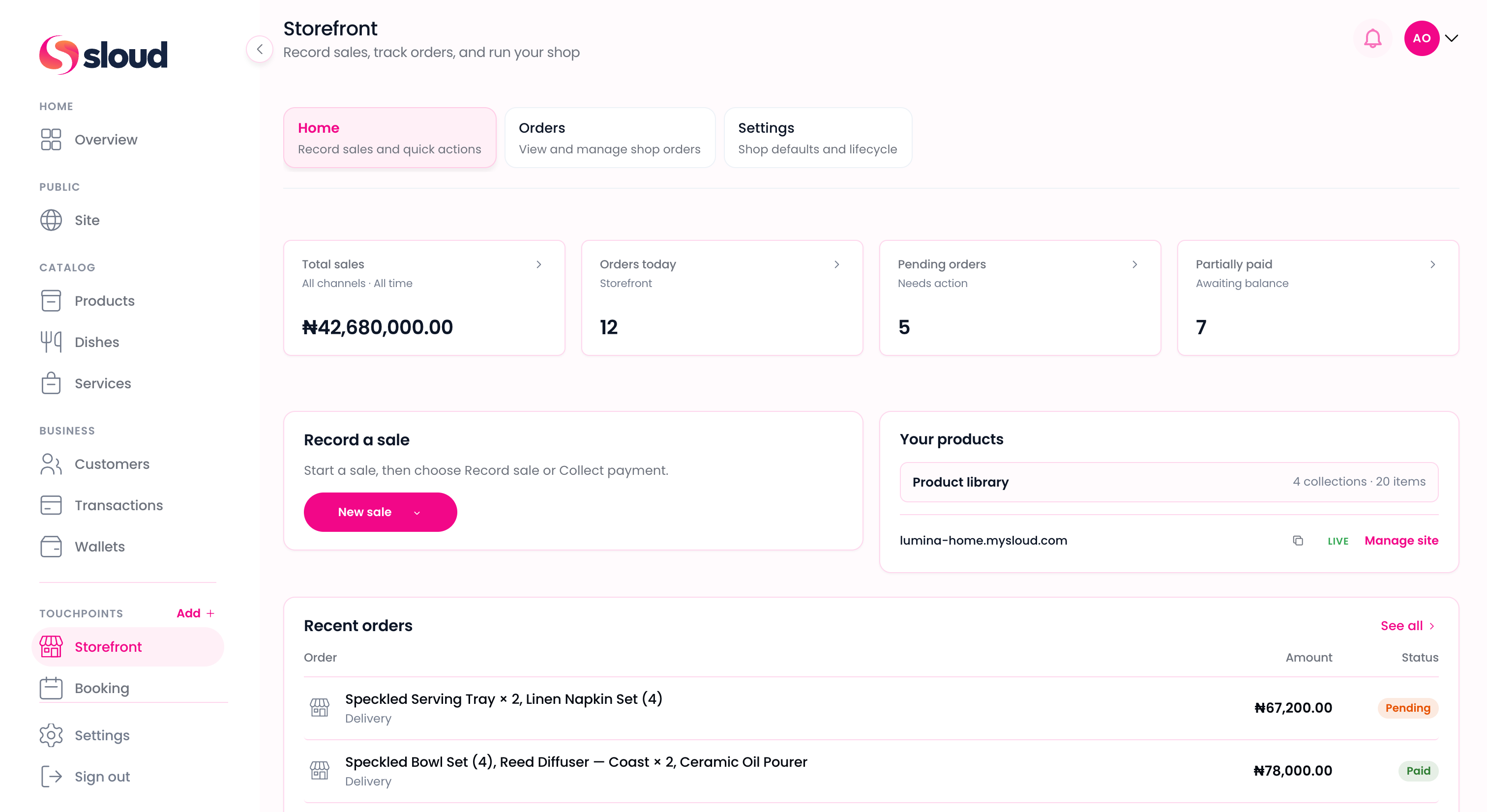
Record sales
Log cash, POS, card, and bank transfer after the customer has already paid.
What you can do
Storefront connects to your Catalog, Customers, and Wallet. Start recording sales as soon as you activate.
Log cash, POS, card, and bank transfer after the customer has already paid.
Collect payment via Sloud Checkout when you create the order. Payments settle into your business wallet.
Create orders, update fulfillment status, and track every sale from payment through pickup or delivery.
Connect shop on your site to Storefront. Enable checkout in settings when you are ready to sell online.
Site
Claim a Sloud link, customize your look, and publish when ready. When you turn on shop checkout, customers buy from your product catalog and pay with Sloud Checkout.
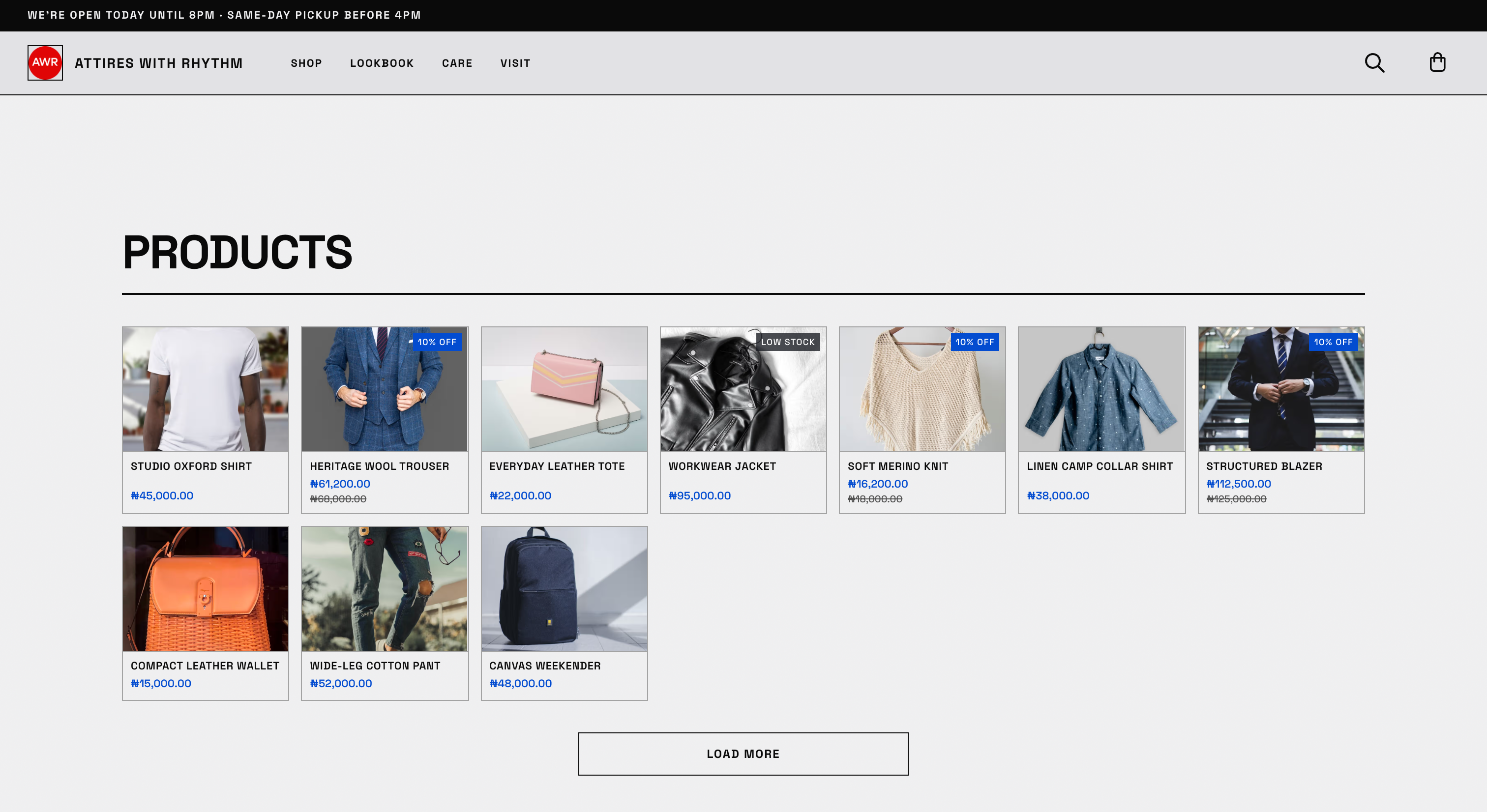
Sales floor · 01 / 03
Log cash, POS, card, and bank transfer after payment, or start a new order from your catalog.
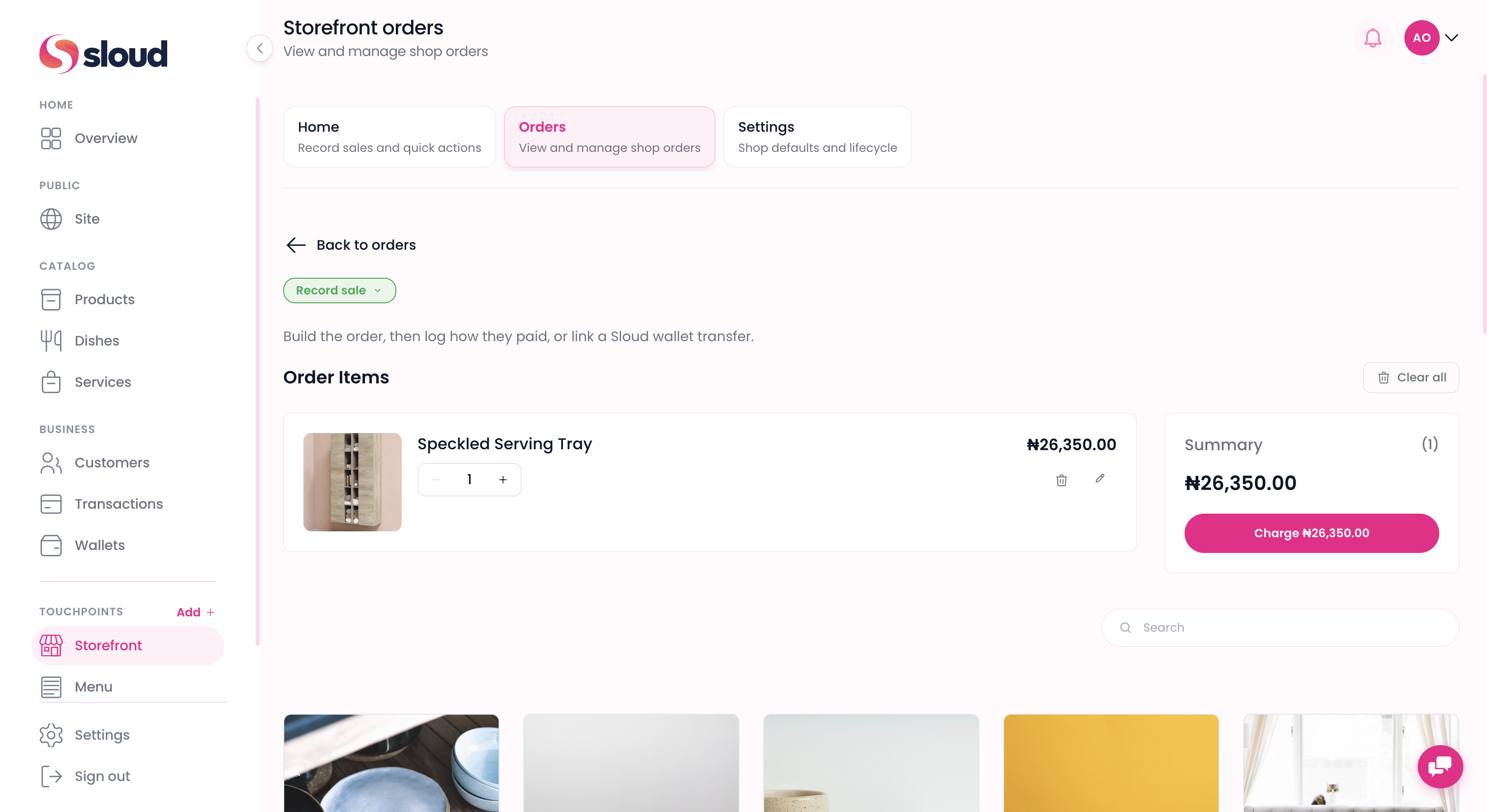
Who it's for
Record sales from Instagram or WhatsApp, collect via Sloud Checkout in person, or log cash and POS after payment. Share your link when your site is ready.
Set up your site, turn on shop checkout in Storefront settings, and collect via Sloud Checkout on online orders.
Record walk-in and counter sales after payment, or collect via Sloud Checkout when the customer is ready to pay.
Get started
Create your account, add what you sell, activate Storefront, and verify for payouts. You can sell before verification is complete.
Sign up in minutes with your business name, email, and phone number.
Upload physical or digital products to your Catalog, individually or in bulk, with variations and collections.
Sell in store, on social, or online from one touchpoint. Turn on site shop checkout when you are ready to go public.
Verify your business to unlock payouts and bank transfers. You can sell before this step is done.

Answers



 Built in Nigeria