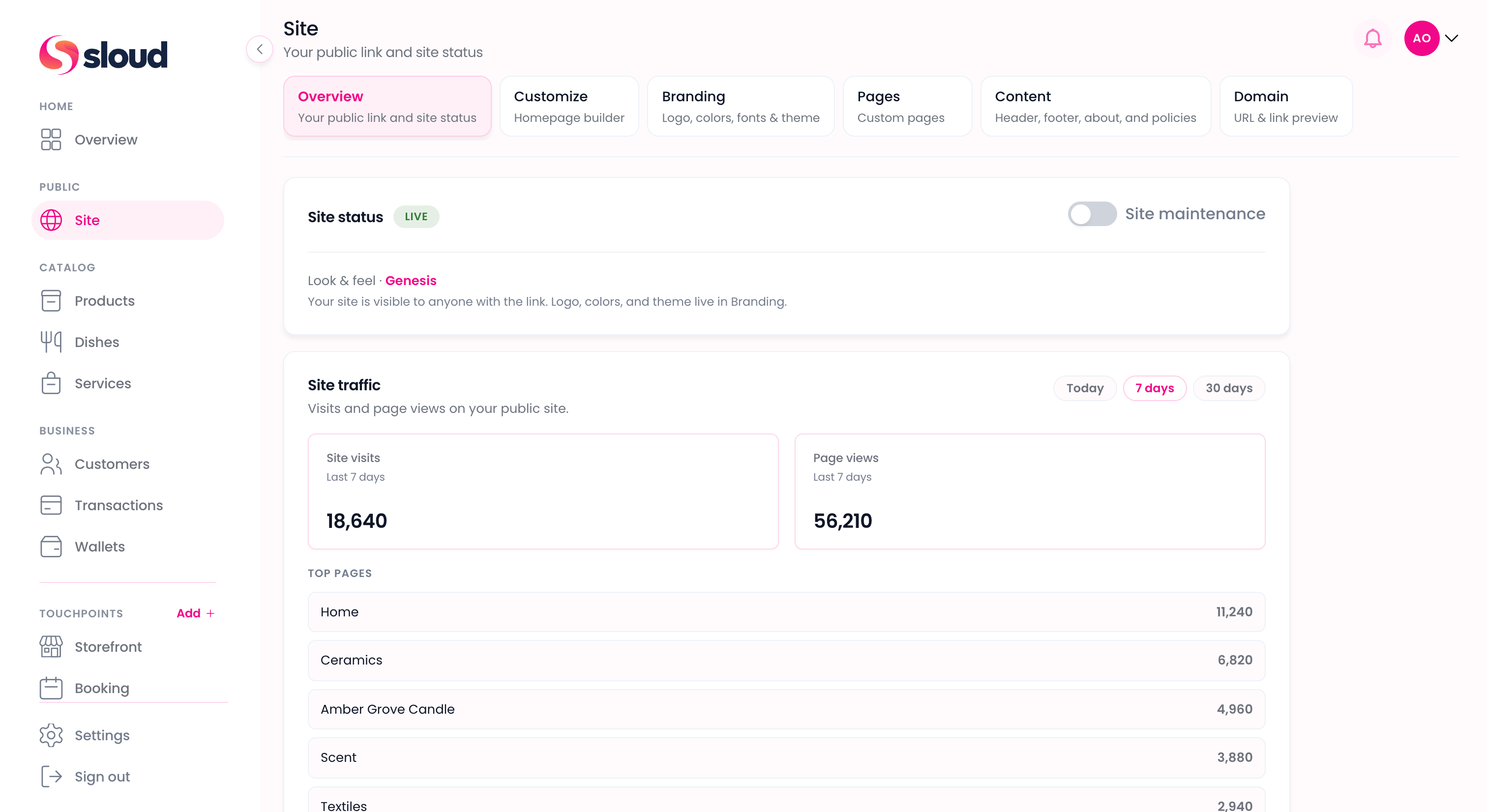
Your site

Your link. Your rules.

Your public site on Sloud, separate from your touchpoints. Claim a link, customize your branding, and publish when you are ready to go live.

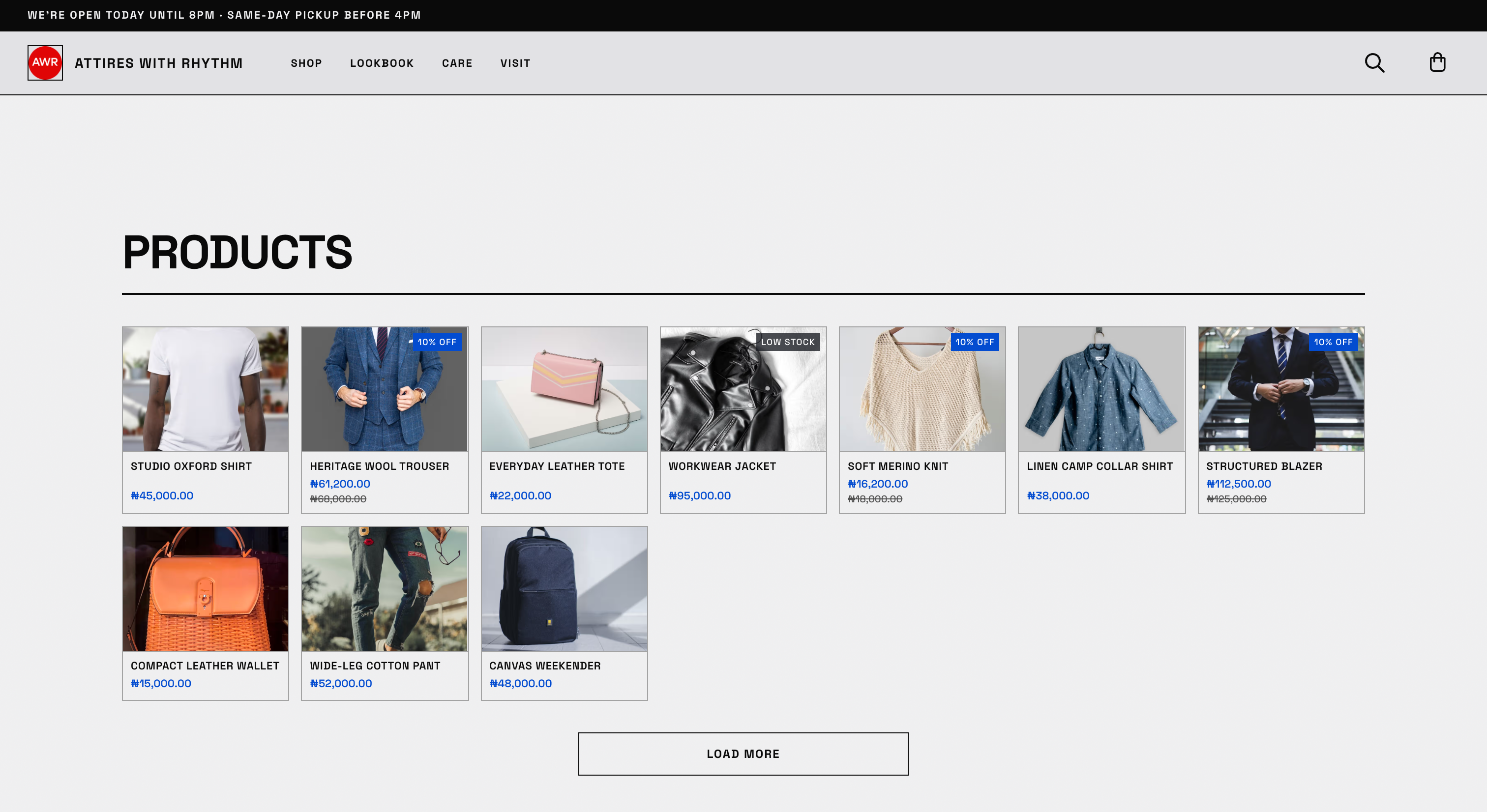
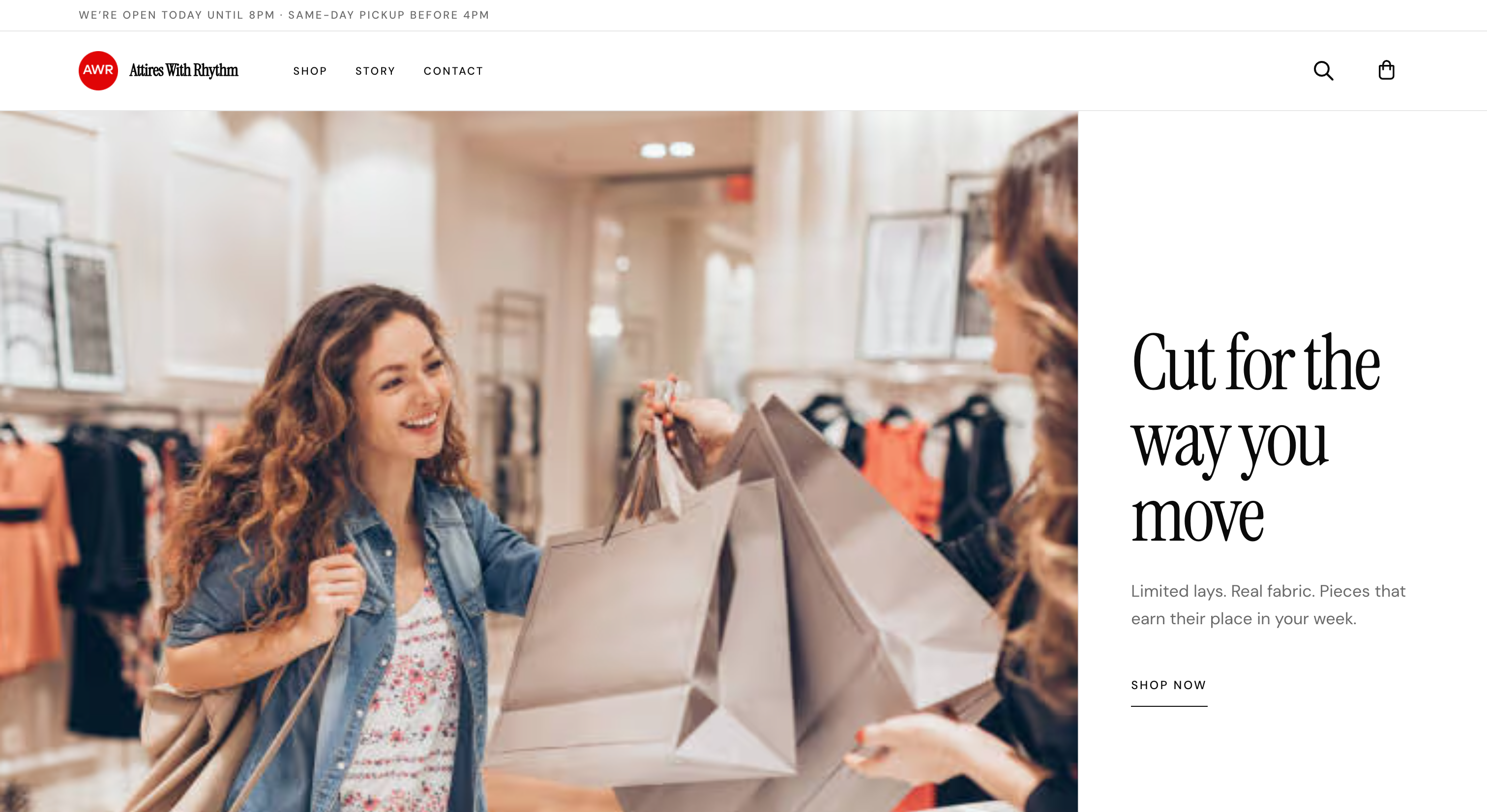
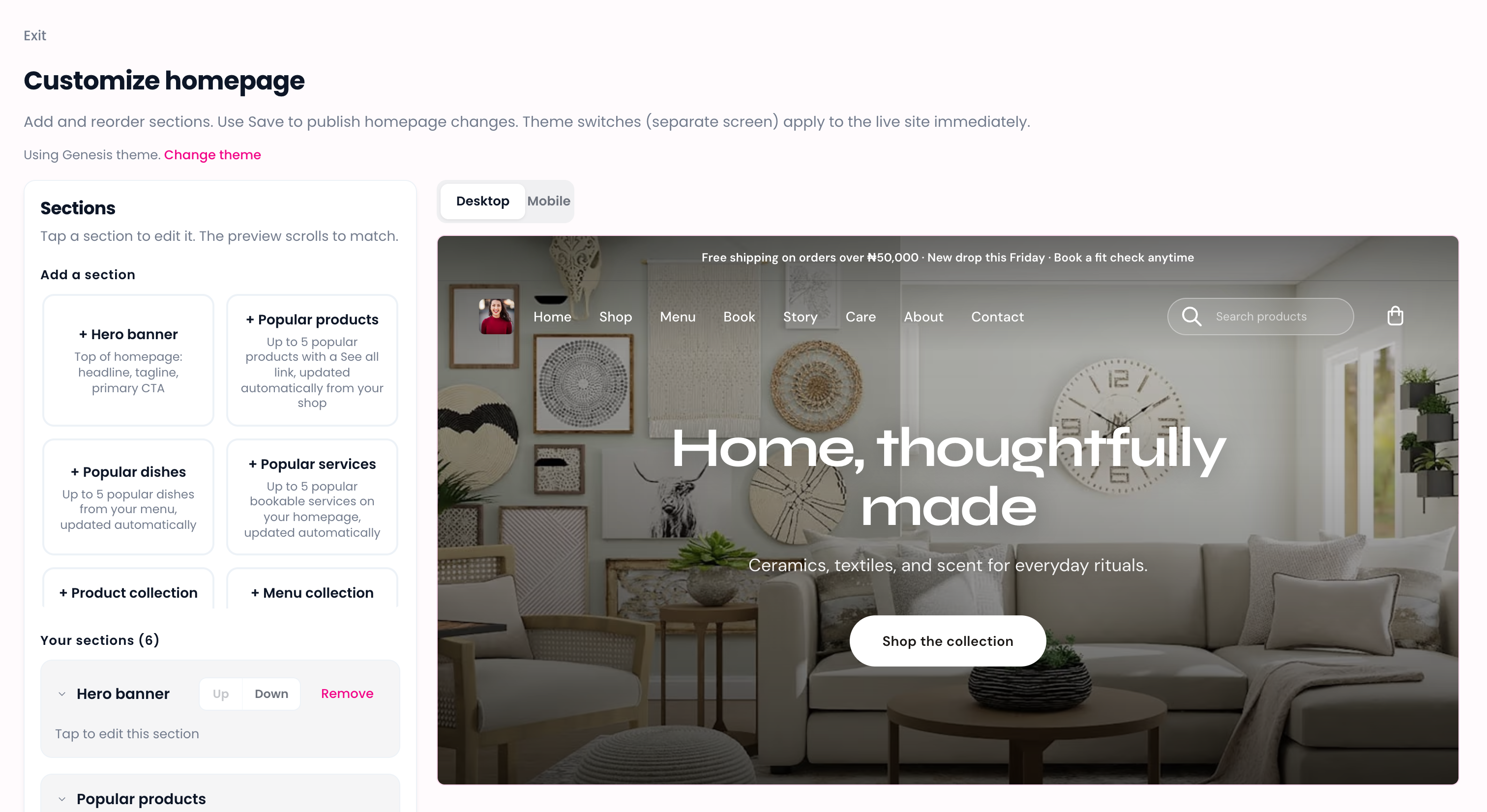
Published Sloud site showing store hero and best sellers
Build your site

Claim, customize, and publish on your terms.

Your site is where customers find you online. Set it up before, during, or after you start selling. Nothing goes public until you choose.

Claim your URL

Pick your public link to get started. Custom domains are on the way. Connect your own when they launch.

Customize your site

Set your branding, content, and pages. Your site reflects your business before you go public.

Choose when to go live

New sites start in maintenance mode. Nothing is customer-facing until you publish.

One link for customers

Share one public address everywhere: social, WhatsApp, and in store. You control what is visible online.
One URL. Turn on what you need.

Customers visit one public link. Shop, menu, and booking each run through their touchpoint in Sloud. Enable them when you are ready.

Live

Shop

Products on your site. Checkout when you enable online shop in Storefront.

Via Storefront

Coming soon

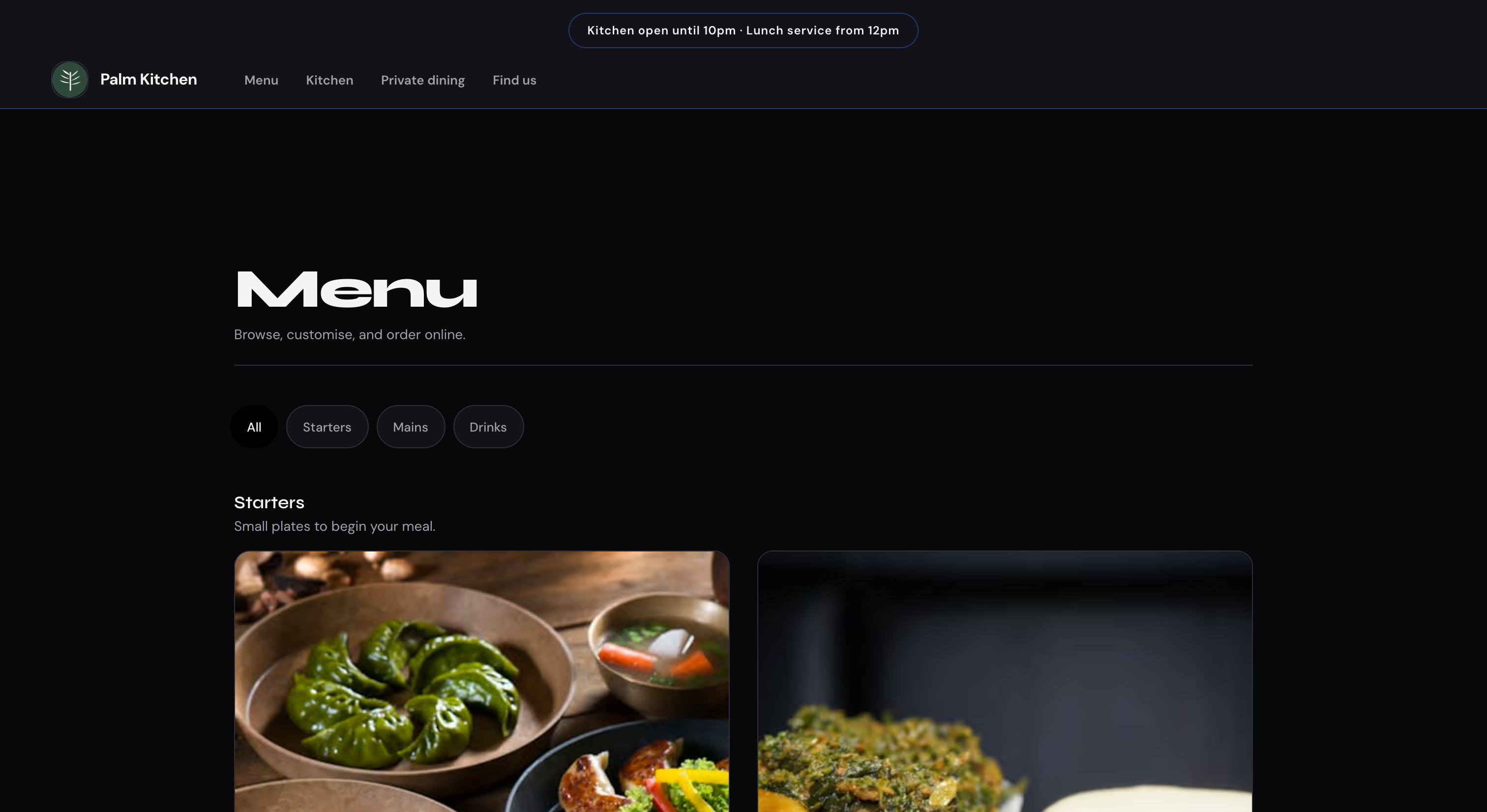
Menu

Online food ordering on your site.

Via Menu

Coming soon

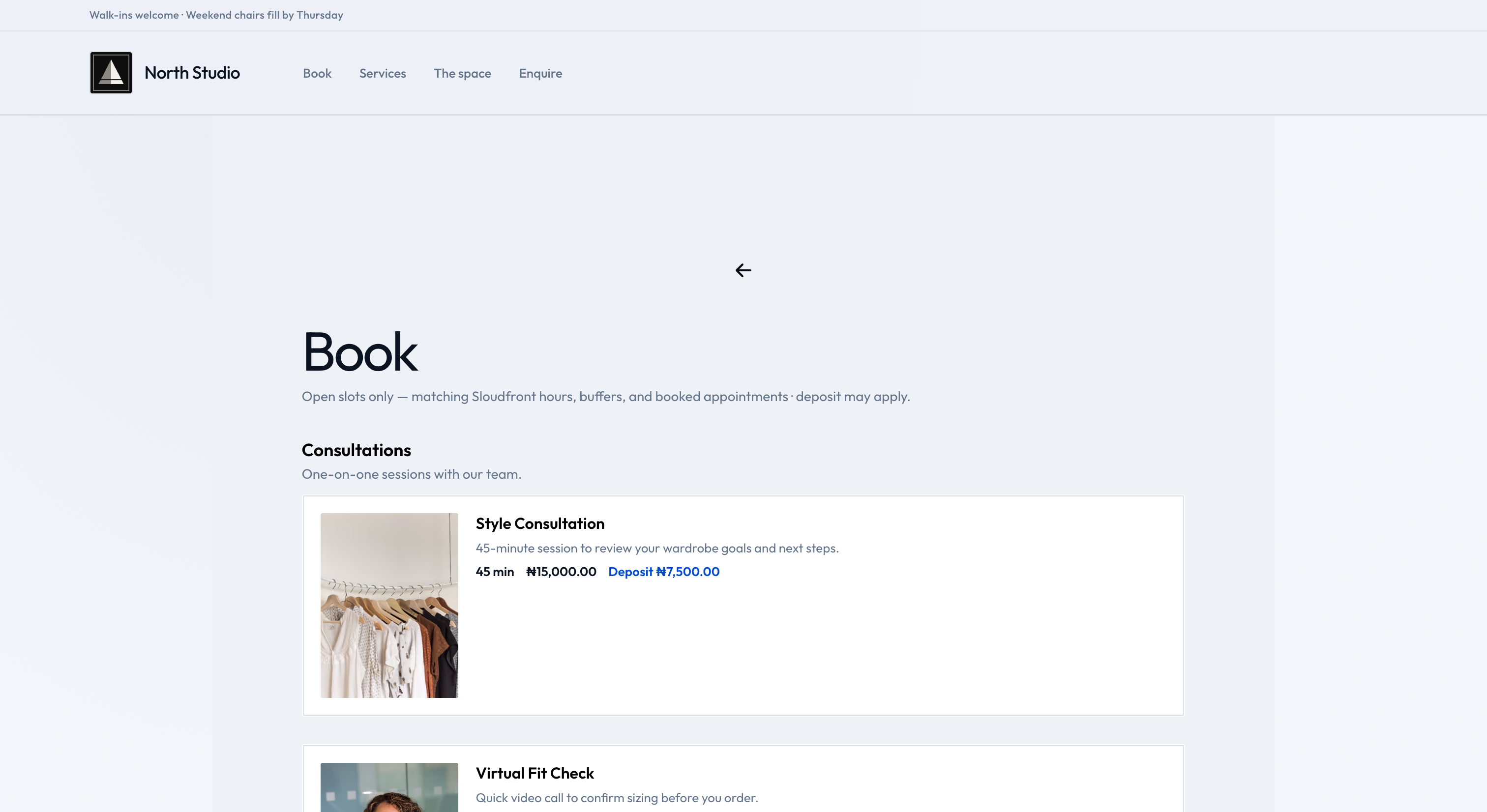
Book

Online appointment booking on your site.

Via Booking

Your touchpoints handle sales and orders in Sloud. Your site is where shop, menu, and booking appear for customers. Enable shop checkout in Storefront settings when you are ready to sell online.

Sell online through Storefront.

Your site is where customers browse. Storefront handles orders and checkout when you enable online shop in Storefront settings.

  1. Build and publish your site with branding and pages.
  2. Activate Storefront and add what you sell to your Catalog.
  3. Enable online shop checkout in Storefront settings when you are ready to sell online.

Get your site live in a few steps.

Claim your link, customize your site, and publish when you are ready. Modules are optional and run through your touchpoints in Sloud.

1

Create your Sloud account

Sign up in minutes with your business name, email, and phone number.

2

Claim your link

Pick your public site address. Custom domains are coming soon.

3

Customize and publish

Set branding, pages, and content. New sites start in maintenance until you go live.

4

Turn on modules when ready

Shop checkout runs through Storefront settings. Menu and Booking modules are coming soon.

Resources

Get the assistance you need for your business

The Hustle Ledger

Read the latest insights and tips from industry experts

Read

Community

A space for business owners to share wins, ask questions, and learn from each other.

Coming soon

Guides

Step-by-step guides and playbooks for running your business on Sloud.

Learn

Help

Connect with our friendly support team for personalized assistance

Get Help

Ready to run your business on Sloud?

One workspace for catalog, orders, customers, and payments. No monthly subscription. Pay only when you sell.

Support

FAQs

Common questions about Sloud